
Wrong SDS for the product: why a near-match sheet is worse than none
A safety data sheet has to match the exact product in your hand, not just the brand on the front. A binder holding a 'Clorox' sheet does nothing for a container of 'Clorox Commercial Solutions Formula 409 Heavy Duty Degreaser' — different formulation, different hazards, different first aid. To confirm a match, line up three things against the container: the manufacturer, the exact product name, and the formulation or version. Brand families, private labels, and reformulations are where mismatches hide. OSHA Scan captures the exact product identifier and manufacturer off the label so the sheet you attach can be checked against what the container actually says — the upload check verifies a file looks like a real SDS, but the final product match is human judgment.
Free · No account needed to scan · You may be asked for the free phone Access Pass
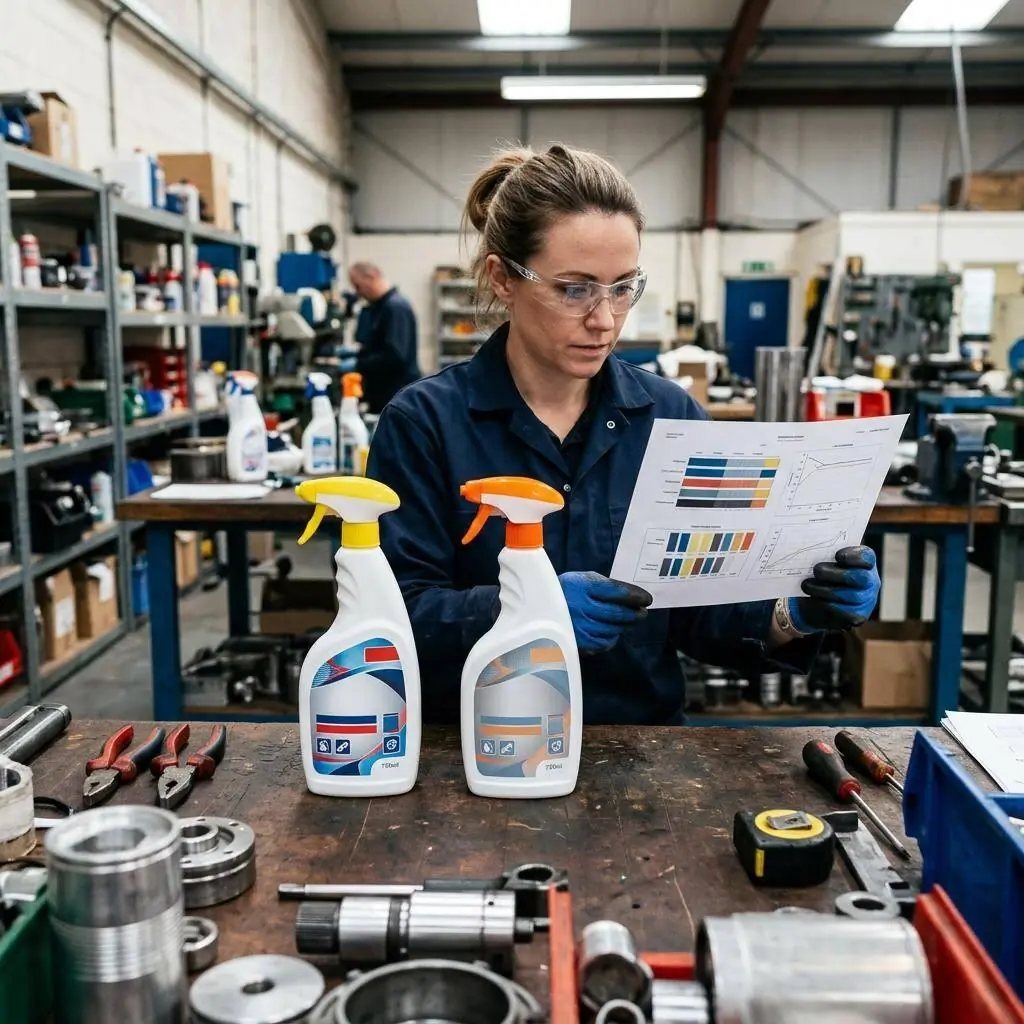
'Close enough' isn't a match — it's a mismatch waiting for an exposure
The mismatch that trips up the most sites looks harmless: someone files a sheet for the brand instead of the product. A 'Clorox' SDS sits in the binder while the container on the shelf is 'Clorox Commercial Solutions Formula 409 Heavy Duty Degreaser'. Those are not the same chemical — one is a diluted bleach, the other a solvent-based degreaser with its own hazards, PPE, and first aid. A worker who splashes the degreaser and pulls the bleach sheet gets the wrong flush instructions at the exact moment those instructions matter. That is why a near-miss SDS is more dangerous than an obviously empty slot: an empty slot tells you to go find the sheet; a wrong sheet tells you you're done.
Matching correctly means checking three fields against the container, in order: manufacturer, exact product name, and formulation or version. Brand families make this hard because a single manufacturer sells a dozen products under one name with different SKUs and hazard profiles. Private labels make it harder — the same physical product is sold under a retailer's own brand with a different name than the SDS. Reformulations make it harder still — the product name is identical but the chemistry changed and the sheet was reissued. Capturing the exact product identifier off the label is the anchor for all three checks, which is what a label scan is for.
GHS labels, Appendix D, and where product mismatches slip past a HazCom program
OSHA's Hazard Communication Standard requires that each hazardous chemical have a safety data sheet in the standardized 16-section format, and Appendix D of 29 CFR 1910.1200 prescribes what those sections must contain. Section 1 identifies the product and the manufacturer, and it is the field that a mismatch most often violates in practice — the sheet on file identifies a different product than the one in the container. Because the label and the SDS both carry the product identifier, the two are meant to be reconciled against each other; an inspector comparing a container's label to the filed sheet is doing exactly the check that catches brand-versus-product errors.
Reformulations and brand-family sprawl are the ongoing pressure on that reconciliation. Manufacturers extend a recognizable brand across many products and periodically reformulate, reissuing the SDS with a new revision date. A HazCom program that files sheets once and never re-checks will accumulate mismatches as products change under stable names. The durable fix is to treat each distinct product identifier as its own inventory item, match its sheet on manufacturer, exact name, and formulation, and re-verify whenever the label or the revision date changes — a discipline that a searchable library built from label scans makes far easier to sustain than a paper binder.
What the scan reads off the label to anchor the match
A label photo pulls the exact identifiers you compare against any SDS before you trust it as a match.
Exact product name
The full product name as printed — 'Formula 409 Heavy Duty Degreaser', not just 'Clorox' — so the brand alone never stands in for the product.
Manufacturer identity
The manufacturer or importer named on the label, so you match the sheet to the party responsible for that specific formulation.
Hazard fingerprint
The signal word, pictograms, and hazard statements on the label — a quick cross-check that the attached SDS describes the same hazards.
SDS upload sanity check
When you attach a PDF, an automated check confirms the file looks like a real SDS — it does not confirm the product match, which stays a human call.
Demo: the library entry a scanned label comes back with
An illustrative example for this trade — product identity, signal word, GHS pictograms, and hazard statements, filed and searchable.
Acetone-based parts cleaner solvent
Example manufacturer
Two look-alike solvent cans on the bench read almost the same — scan each label so you match the SDS to the exact product and version, not a near-miss.
- H225 — Highly flammable liquid and vapour
- H319 — Causes serious eye irritation
Now scan your own label — free
Photograph any chemical product on your shelf. The AI transcribes the label — no account needed to try it, though you may be asked for the free phone Access Pass.
- The exact product name and manufacturer read off the label — not just the brand
- A library entry you can hold the attached SDS against to confirm it matches
- An upload check that flags files that don't even look like a real SDS before you file them
One lifetime free label scan
The 11-point SDS product-match checklist
How to confirm a sheet actually matches the container, field by field. The first four are free — create a free account or leave your email to unlock the rest and scan your own products.
Free checklist — 11 points
Enter your email to unlock the full checklist
Read the checklist here after entering your email. A free account is required to download the PDF.
One email with the checklist, one follow-up. Unsubscribe anytime.
What the AI can and can't detect
OSHA Scan reads a single photo. That makes it fast and easy for anyone on site — but it also means it has real limits. Here's an honest look at both.
What it can catch from a photo
- The exact product name printed on the label
- The manufacturer or importer named on the container
- The signal word, pictograms, and hazard statements on the label
- Whether an attached file looks structurally like a real SDS
What a photo can't tell it
- Whether the attached SDS is truly the right product and formulation
- Whether a store brand traces back to the manufacturer on the sheet
- Whether a reformulation has made the filed sheet outdated
- Regional or language mismatches between the sheet and your workers
SDS digital library
Build a searchable chemical library from label photos. Review manufacturer SDS matches when available and follow the status of missing documents.
Missing-document requests enter a review queue; they do not automatically contact suppliers.
Job-site locations
Organize inspections by location and compare safety performance across every site you manage.
Team roles & permissions
Invite admins, managers, and supervisors with role-based access that keeps the right people in control.
A qualified person must review AI-flagged items before making safety decisions. Do not replace required comprehensive safety walkthroughs with AI reports. Features, limits, and downloads depend on your account’s plan and permissions.
See the workflow click into place
Illustrative AI-assisted workflows. Review the findings; they are not a compliance certification.
Always confirmed by a person on site
A scan is a fast first look, not the final word. Before treating this kind of area as safe, a competent person should still confirm:
- The SDS header's manufacturer and product name match the container exactly
- The formulation or version on the sheet matches the one on the label
- The label's hazard elements agree with Section 2 of the attached SDS
- A competent person has signed off that the match is correct
People also ask
How do I know if my SDS matches the product?
Check three fields against the container in order: the manufacturer, the exact product name, and the formulation or version. All three must match the SDS header, not just the brand on the front. As a fast cross-check, confirm the label's signal word and pictograms line up with Section 2 of the sheet. Scanning the label captures the exact product name and manufacturer so you have a clean reference to hold the attached sheet against — but confirming the match is a human call, not something an upload check decides for you.
Why is the wrong SDS worse than no SDS at all?
An empty slot signals a problem — go find the sheet. A wrong-but-plausible sheet signals the opposite: you're covered, stop looking. In an exposure, a worker who grabs a mismatched sheet may follow the wrong first aid, wear the wrong PPE, or use the wrong fire response for the chemical actually involved. The false confidence is the danger, which is why a brand-level or near-match sheet should be treated as a defect to fix, not a placeholder to tolerate.
What's the difference between a brand SDS and a product SDS?
A brand like 'Clorox' or 'Formula 409' can cover many distinct products, each with its own formulation, hazards, and SDS. A brand-level sheet doesn't exist for compliance purposes — every specific product needs its own sheet matched to its exact name and formulation. So 'Clorox' in the binder is not a sheet for the degreaser on the shelf; you need the SDS whose header names that exact product.
Can OSHA Scan tell me if an SDS is the wrong one for my product?
It gives you the raw material to make that judgment: the exact product name and manufacturer read off the label, plus the label's hazard elements, and an upload check that confirms the attached file looks like a genuine SDS. What it does not do is automatically fetch the correct sheet from a manufacturer database or certify that the attachment is the right product — the final match is human judgment by a competent person, and the app is built to make that comparison fast and honest.
How do private-label and store-brand products complicate SDS matching?
A store brand is often manufactured by a third party and sold under a retailer's name that never appears on the manufacturer's SDS. If you search only by the store name, you may find nothing or, worse, attach a sheet for a different product with the same generic name. Trace the private label back to its actual manufacturer and exact product identity, then match the sheet to that. Capturing the printed identifiers from the label is the starting point for that trace.
Reviewed by OSHA Scan Editorial
This content is produced by the OSHA Scan Editorial team and reviewed with AI assistance. It is general safety information, not legal or compliance advice. OSHA Scan is an independent tool and is not affiliated with, endorsed by, or certified by OSHA or the U.S. Department of Labor.
Keep exploring
More ways to see what an AI OSHA scan can do for your site.
The AI OSHA inspection tool
The overview hub — how the scanner works and every job, site, and hazard it covers.
SDS scanner
Scan a label to capture the exact product name and manufacturer for matching.
Missing SDS: what to do
The step-by-step playbook when there's no sheet on file at all.
How to read an SDS
Understand the 16 sections so you can verify a sheet matches the product.
Hazard communication checklist
The full HazCom chain that SDS matching is one link in.
OSHA: 1910.1200 App D — Safety Data Sheets (Mandatory)
The regulation defining the 16-section SDS format and required content.
Official resource — osha.govA full sample report
See a complete labelled example of everything a scan returns.
Ready to secure your job sites?
Start with one lifetime use per eligible scan type — no credit card. Build JHA-ready reports and catch changing conditions sooner.
Start your free trial