1
Set the scene
Start with context
Fill the frame
2–3 ft for close-ups; keep ladders, cords and workers fully in view.
A second set of eyes on every job site.
Empower your crews with computer vision that separates confirmed violations, items needing review, and positive observations in job-site photos or video walkthroughs. Instantly reference OSHA standards, generate JHA outputs, and catch near-misses before they become incidents.
One lifetime use per eligible scan type · No credit card
AI-assisted preliminary safety review — not a substitute for a qualified safety professional.
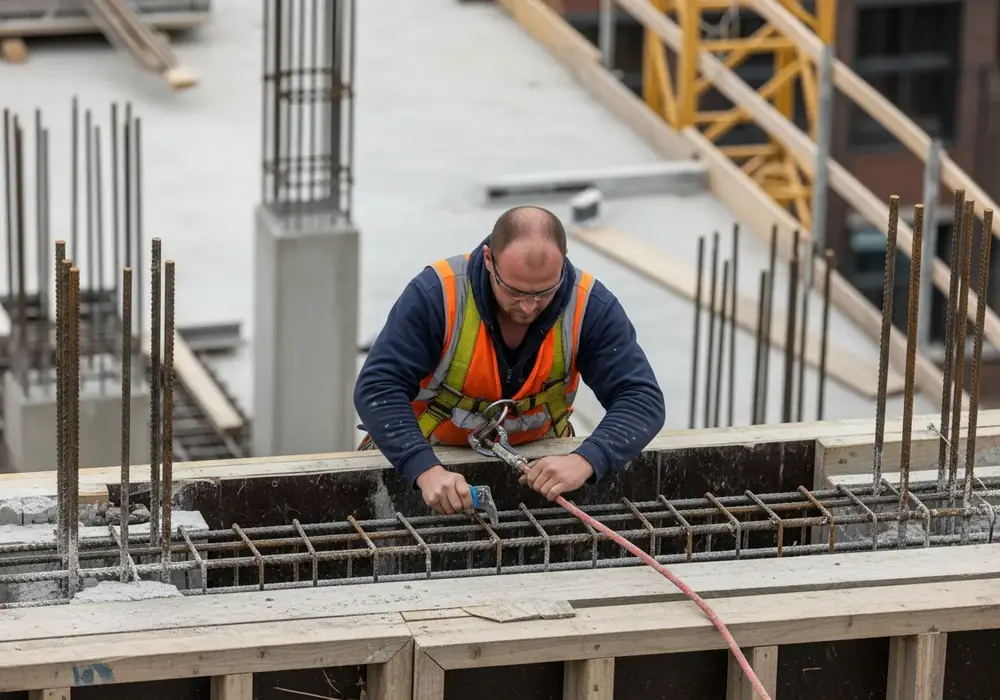
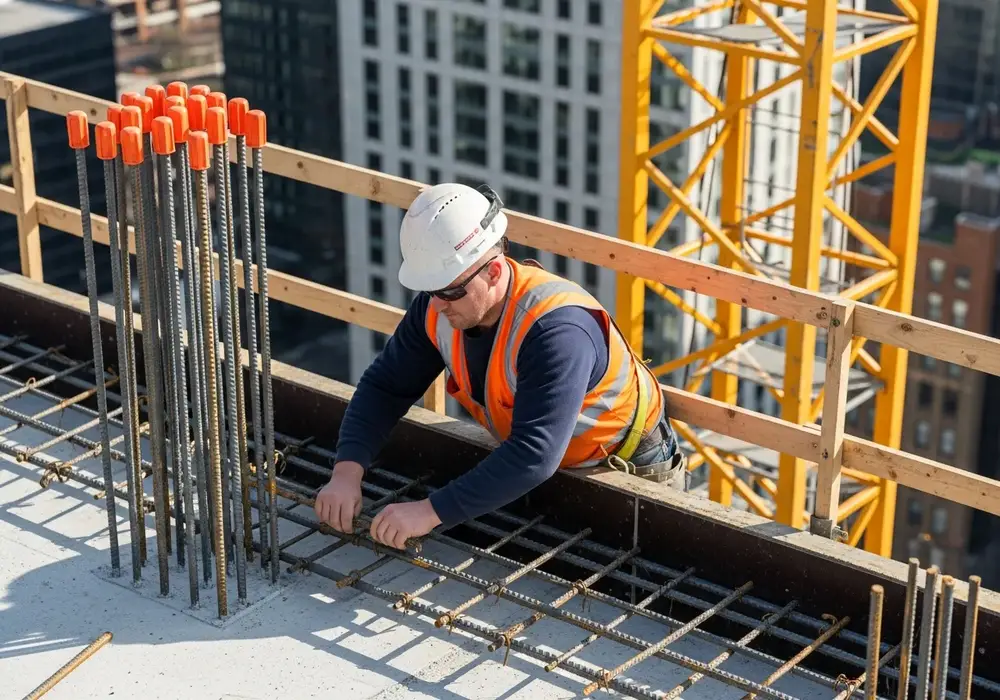
OSHA Scan is an independent tool and is not affiliated with, endorsed by, or certified by OSHA or the U.S. Department of Labor.
Upload a real job-site photo and watch findings get categorized. No account needed to start — you may be asked for the free phone Access Pass.
One missed hazard is all it takes. Watch (0:39), then scan your own site below — free.
Narrated, with background music.
Every construction site has risks you can't always see. One moment, one missed detail can change everything. What if AI could detect the danger before it becomes an accident? Scan the site, analyze every detail, identify hidden hazards in seconds, from workers to equipment to every critical safety risk. Actionable insights, instantly. Smarter inspections, safer construction sites. OSHA Scan. See risks before they become accidents.
A worker in a high-visibility vest loses his footing at the edge of an unfinished floor. A blue scan grid outlines a guardrail. An aerial view of the site shows example labels such as “Missing Helmet – High Risk”, “Missing Guardrail – Medium Risk” and “Electrical Hazard – High Risk”. An “Upload Site Photo” button appears with the words “AI-powered OSHA Safety Analysis”, followed by an indoor scan and the OSHA Scan logo. The labels are illustrations made for the video, not results from a real scan.
Use the real site or facility name. If you save the scan after signup, it becomes the report name.
Three angles, one deeper scan
Only the wide shot is required — every extra angle gives the AI more places to look.
Required: Set the scene — one wide shot lets the AI sweep the whole area at once
Stand at the entry point and capture corner to corner: floors, ladders, scaffolds, and everyone at work
Drop a job-site photo or walkthrough video
Click to upload, drag & drop, or snap a photo on site. Photos scan free with no signup and no card — you may be asked for the free phone Access Pass. Video walkthroughs (up to 3 min) run on a free account.
Small habits, sharper scans
Set the scene
Start with context
Fill the frame
2–3 ft for close-ups; keep ladders, cords and workers fully in view.
Capture clearly
Make the frame usable
Light it right
Keep the sun or lights behind you — glare and shadows hide hazards.
Tap to focus
Tap the hazard on screen and hold still one second — blur can't be flagged.
Choose the useful view
Give the AI room to understand
Go landscape
Turn your phone sideways — a wider frame catches more of the scene.
Only upload photos you have permission to use, and avoid images showing personal, customer, or confidential information. Demo photos and results are held privately for up to 48 hours so you can save them to a free account; unclaimed photos are deleted automatically. Results are an AI-assisted preliminary review, not an official OSHA determination.
Reduce risk exposure across your portfolio. Identify systemic issues before they trigger OSHA citations, stop-work orders, or insurance hikes.
You can't be everywhere. Turn every foreman's phone into a preliminary audit tool that standardizes reporting and surfaces leading indicators.
Take a photo to double-check complex setups. Empower crews to verify their own work environments and learn standard requirements in the flow of work.
Every visual scan categorizes findings as confirmed issues, items needing review, or positive observations. It includes the OSHA standard it may relate to and provides a seamless handoff to the platform's broader JHA and corrective-action workflows.
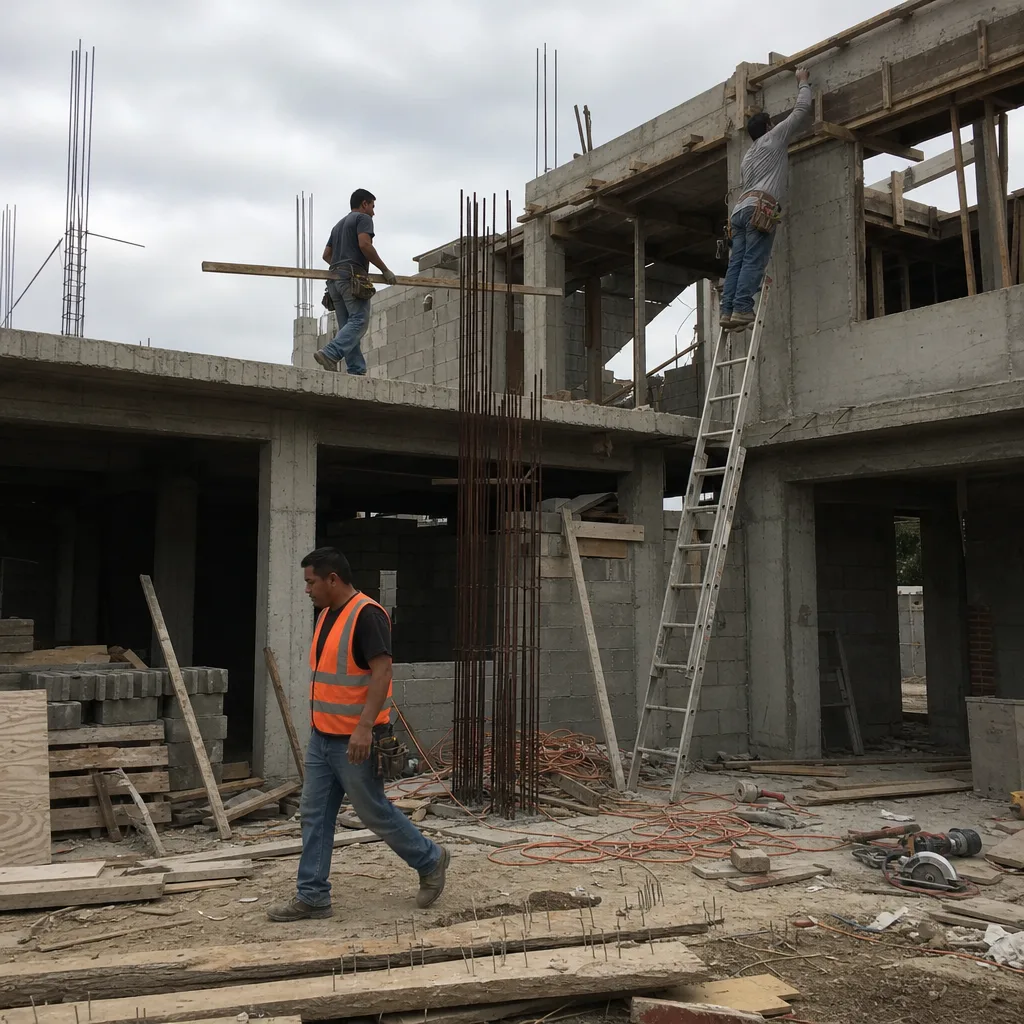
Compliance score
75
Lower means more potential hazards found
Score uses visible confirmed findings only. Not a safety certification.
1 need review; score is provisional.
2 confirmed · 1 need review · 1 positive
1Worker without a hard hat in an active overhead-work zone
Possibly related to head protection (29 CFR 1926.100)
Observed condition: Struck-by and falling-object injuries are among the most common serious incidents on construction sites.
Corrective action: Provide and require a hard hat before re-entering the area; confirm overhead work is controlled.
High confidence
2Unprotected leading edge with no guardrail
Possibly related to fall protection (29 CFR 1926.501)
Observed condition: Falls are the leading cause of construction fatalities; an open edge above six feet is a critical exposure.
Corrective action: Install a compliant guardrail or use a personal fall arrest system before work continues near the edge.
Medium confidenceNot fully clear from the photo — verify on site.
3Exposed rebar without protective caps
Possibly related to impalement / rebar protection (29 CFR 1926.701)
Observed condition: Uncapped rebar can cause impalement injuries during a slip, trip, or fall onto the bars.
Corrective action: Cap or bend exposed rebar ends and keep the area around it clear.
High confidence
4Proper use of high-visibility safety apparel
Positive observation
Observed condition: High-visibility apparel significantly reduces the risk of struck-by incidents in active traffic areas.
Corrective action: Continue enforcing high-visibility vest requirements for all personnel.
High confidence
OSHA Scan reads a single photo. That makes it fast and easy for anyone on site — but it also means it has real limits. Here's an honest look at both.
Illustrative AI-assisted workflows. Review the findings; they are not a compliance certification.
From the first photo to the final audit report, OSHA Scan covers your full safety workflow.
Record a short site walkthrough (up to 3 minutes) and the AI automatically extracts frames, categorizes findings, and adds exact video timestamps.
Video scans use multiple scan credits. Review the credit estimate before starting.
Snap a photo of the job site, and the AI categorizes findings against OSHA standards.
Every inspection gets a deterministic 0-100 compliance score derived from hazard severity, so you can track sites at a glance.
A prioritization aid based on recorded findings—not a certification or a complete measure of site safety.
Each finding includes consistent corrective actions and structured JHA outputs. Check items off as your crew resolves them.
Organize inspections by location and compare safety performance across every site you manage.
Generate detailed inspection reports and export data to Excel for record-keeping and stakeholders.
Invite admins, managers, and supervisors with role-based access that keeps the right people in control.
A qualified person must review AI-flagged items before making safety decisions. Do not replace required comprehensive safety walkthroughs with AI reports. Features, limits, and downloads depend on your account’s plan and permissions.
Identify and fix job-site hazards in three steps. No safety background required — the AI does the heavy lifting.
See something unsafe? Snap a photo or record a short walkthrough video on any phone — no safety training or certification needed.
Our AI categorizes findings against OSHA standards, separating confirmed violations from positive observations.
Use the generated JHA and corrective-action checklist to fix each item before it turns into a near miss.
Every hazard is linked to the OSHA 1926 construction standard it may relate to, so your reports give you a clear starting point for review.
Review findings, organize chemical records, and open relevant official resources for your saved locations and work context.
You make the final call. Review, edit, or dismiss any AI-flagged hazard before finalizing your inspection report.
Scan chemical labels or upload legacy MSDS sheets to create structured drafts that support your team's search for and review of current official manufacturer Safety Data Sheets.
Open official OSHA and State Plan guidance, required posters, emergency contacts, and relevant publications for saved locations and work requirements.
The interface above is an illustrative preview, not live scan data. A qualified person should review all AI findings before making safety decisions.
Build a searchable SDS library from label scans, uploaded documents, and verified manufacturer matches when available. Find documents by product or manufacturer, track missing records, and see what needs follow-up — in English or Spanish.
Label photo → searchable product record with visible GHS details
Upload a manufacturer's SDS PDF or use a verified exact match when available
Filter missing documents and review items so your team knows what needs follow-up
Practical tools for safety managers and foremen. The penalty calculator is open to everyone and every toolbox talk is free to read; printing talks or downloading poster PDFs needs a free account.
See the most a citation could cost under 2026 federal maximums — serious, willful, repeated, and failure-to-abate — plus how OSHA's reductions for small employers work.
Calculate a penalty56 ready-to-run 5-minute safety meetings with talk points, crew questions and a sign-in sheet. Free to read; a free account prints or downloads 3 talks.
Browse toolbox talksAnswer a few questions about your state, headcount and work to see which federal and state notices are required, which depend on your answers, and the official source for each. PDFs need a free account.
Find your required postersLooking for a blank inspection report, JSA worksheet or chemical inventory log? See every free template and tool
No training required. If your crew can take a photo, they can identify hazards — turning every set of eyes on site into a first line of defense against near misses.
If your team can use a phone camera, they can report and help fix hazards. Zero onboarding, zero certifications.
Give every worker a fast, judgment-free way to flag risks and build a stronger safety reporting culture.
Surface unsafe conditions the moment they appear — before they turn into a near miss or a recordable incident.
Job-site photos are sensitive. OSHA Scan keeps your hazard data private, encrypted, and fully under your control.
Photos and reports travel over encrypted connections between your device and OSHA Scan.
Job-site images are kept in private, access-controlled storage — never on a public bucket.
Admins, managers, and supervisors each see only what their role allows across your organization.
We never sell your data. Export your reports or delete them from your account at any time.
A free account includes one lifetime use of each eligible scan type, with no monthly reset or credit card. Each paid package purchase or activation adds 10 one-time extra site scans on top of its package allowance.
These paid plans are not available to purchase yet. Join the waitlist for availability and final pricing; you can create a free account now.
Perfect for small crews
For growing job sites
Multi-site operations
Unlimited scale
Join the teams using AI to catch hazards early and protect their crews.
Get started for freeReviewed by OSHA Scan Editorial
This content is produced by the OSHA Scan Editorial team and reviewed with AI assistance. It is general safety information, not legal or compliance advice. OSHA Scan is an independent tool and is not affiliated with, endorsed by, or certified by OSHA or the U.S. Department of Labor.